For office & IT professionals
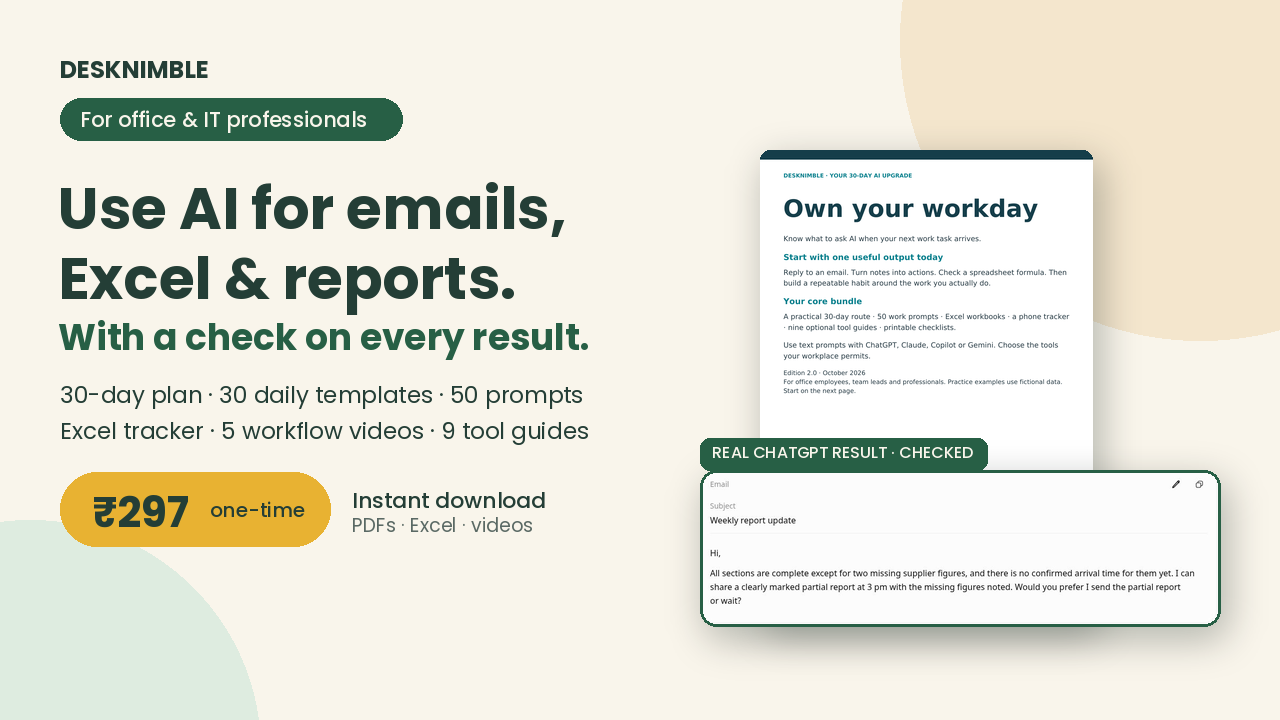
Use AI for emails, Excel & reports, with a check on every result.
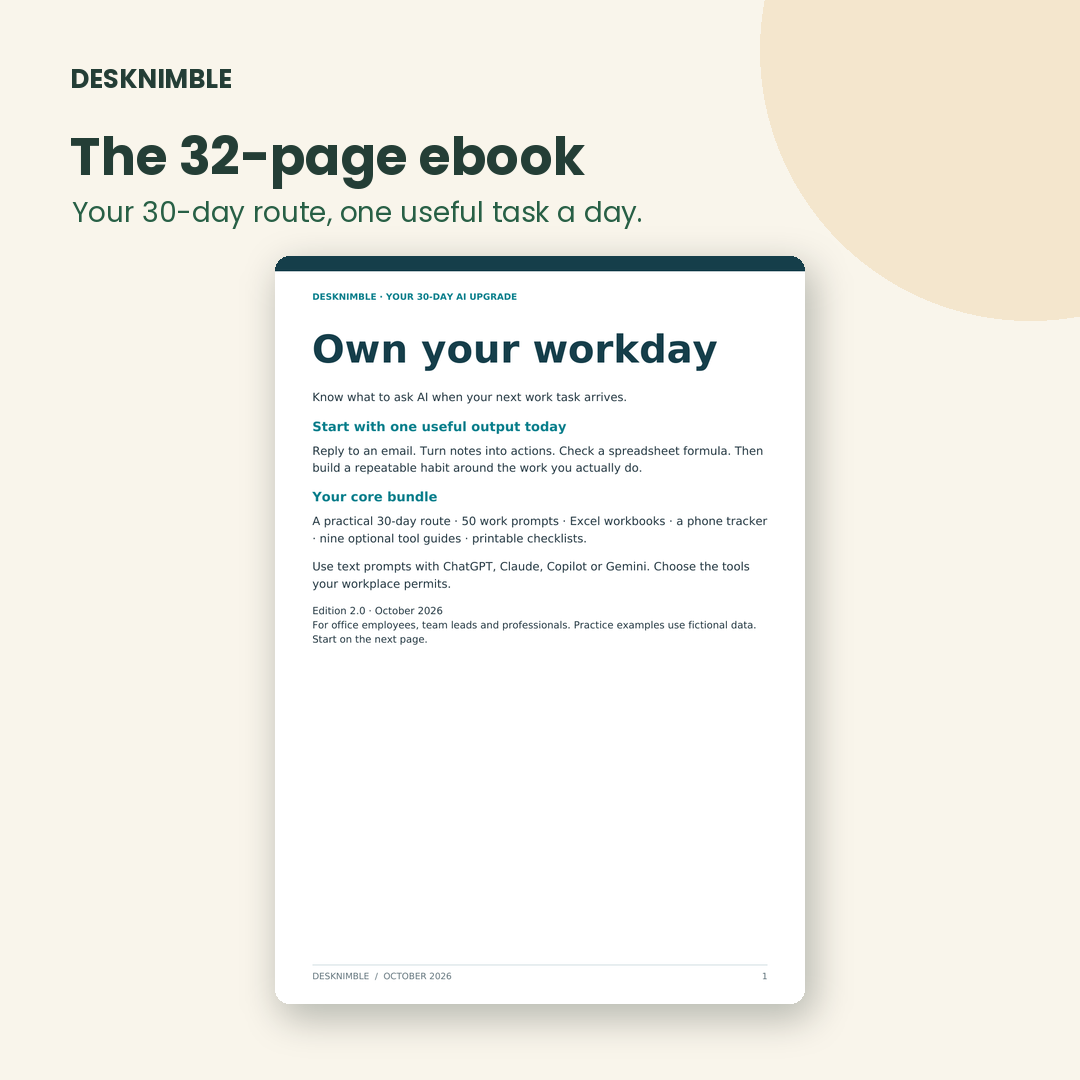
Own Your Workday gives you one practical AI task a day for 30 days, each with the prompt, a worked example and a check. Your first session takes about 10 minutes.
✓ One-time payment ✓ Instant download ✓ 7-day fix-or-refund
Still spending your evenings on emails, meeting notes and Excel?
You know AI can help. But every time you open ChatGPT, you think: “What do I even ask?” By Day 30, you’ll have your own set of AI workflows you actually use at work.
- Turn messy meeting notes into a clear action list and follow-up email
- Draft polite, professional replies without rewriting them five times
- Get a working Excel formula from a plain-English request, and check it’s correct
- Summarise long email threads and documents before your next meeting
- Structure reports and presentations with less effort
- Use whichever AI tool your workplace approves
How it works
1. Pick a task
Each day has one real office task, from emails to Excel to reports.
2. Adapt the prompt
Copy the ready-made prompt and change a few words to fit your work.
3. Check the result
Every task comes with a quick check, so you can trust what AI gives you.
4. Save the workflow
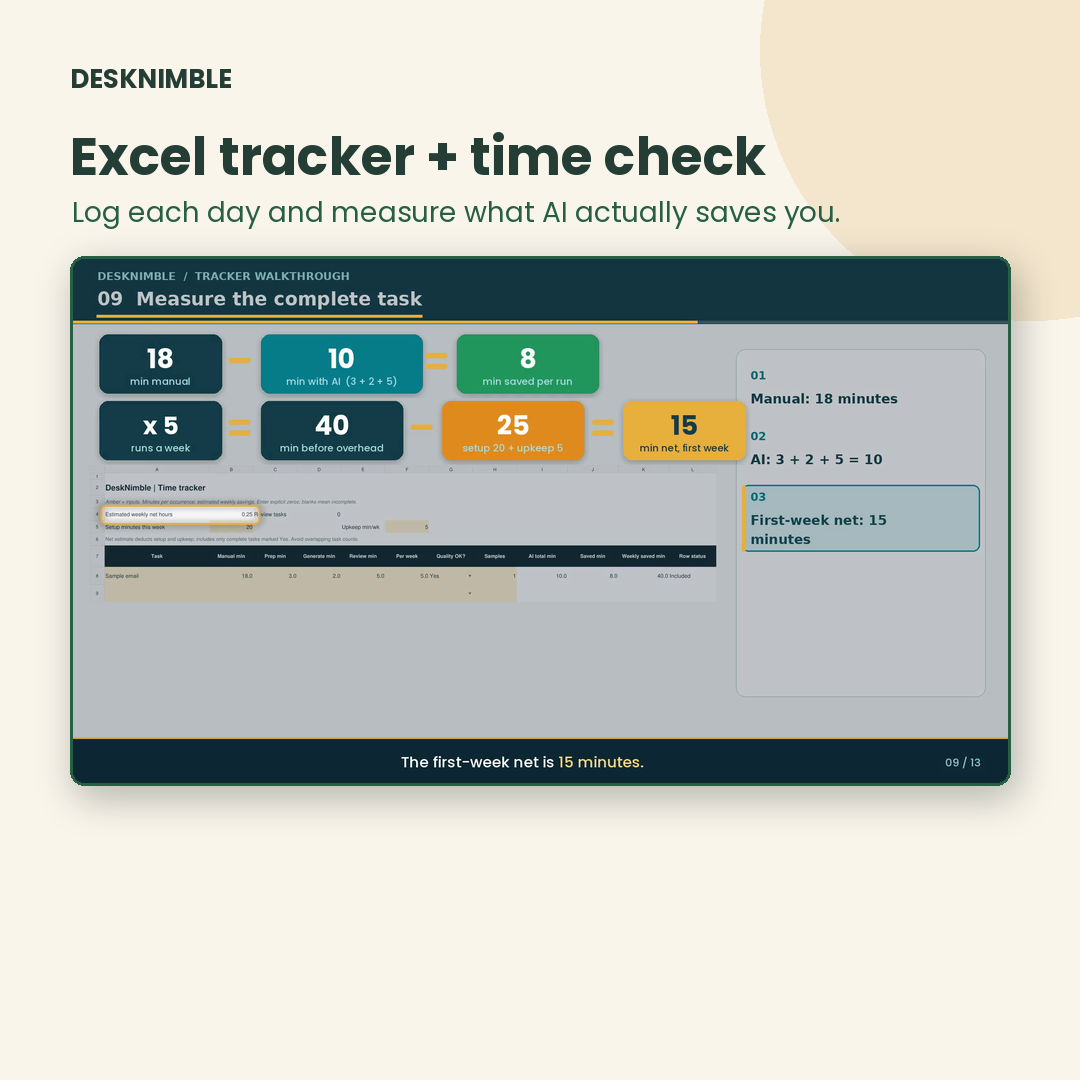
Log it in the tracker and reuse it whenever the task comes back.
What’s inside
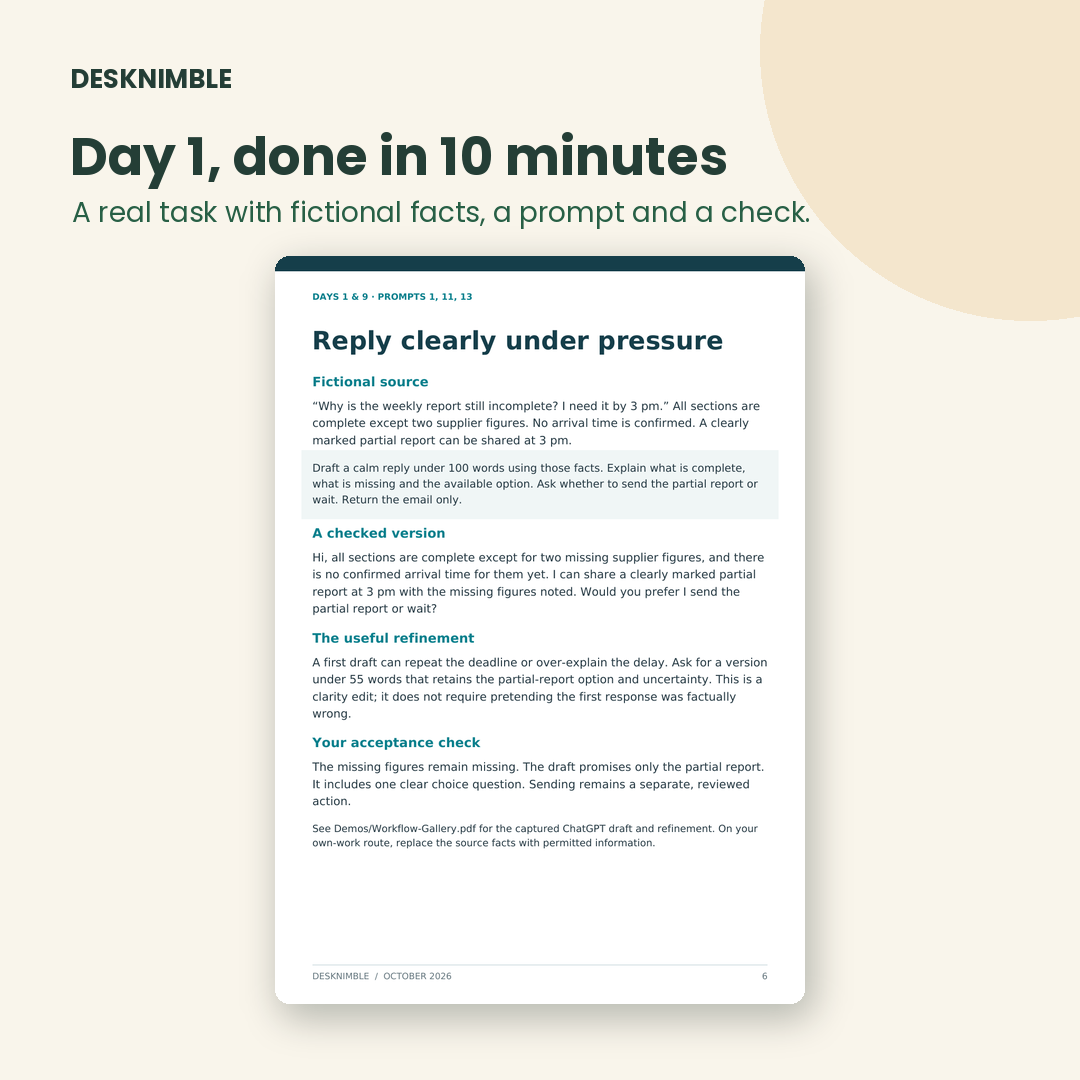
Everything you need for the 30 days, in one download.
🎯 This is for you if…
- You work in IT or a corporate role and handle emails, meetings, spreadsheets or reports
- You’ve tried ChatGPT but don’t use it every day yet
- You want practical steps, not theory
🚫 It’s not for you if…
- You already build AI automations or agents
- You’re looking for “earn money with AI” shortcuts
- Your company doesn’t allow any AI tools
Own Your Workday: complete bundle
₹297
One-time payment · No subscription
- 30-day action plan + 30 daily task templates
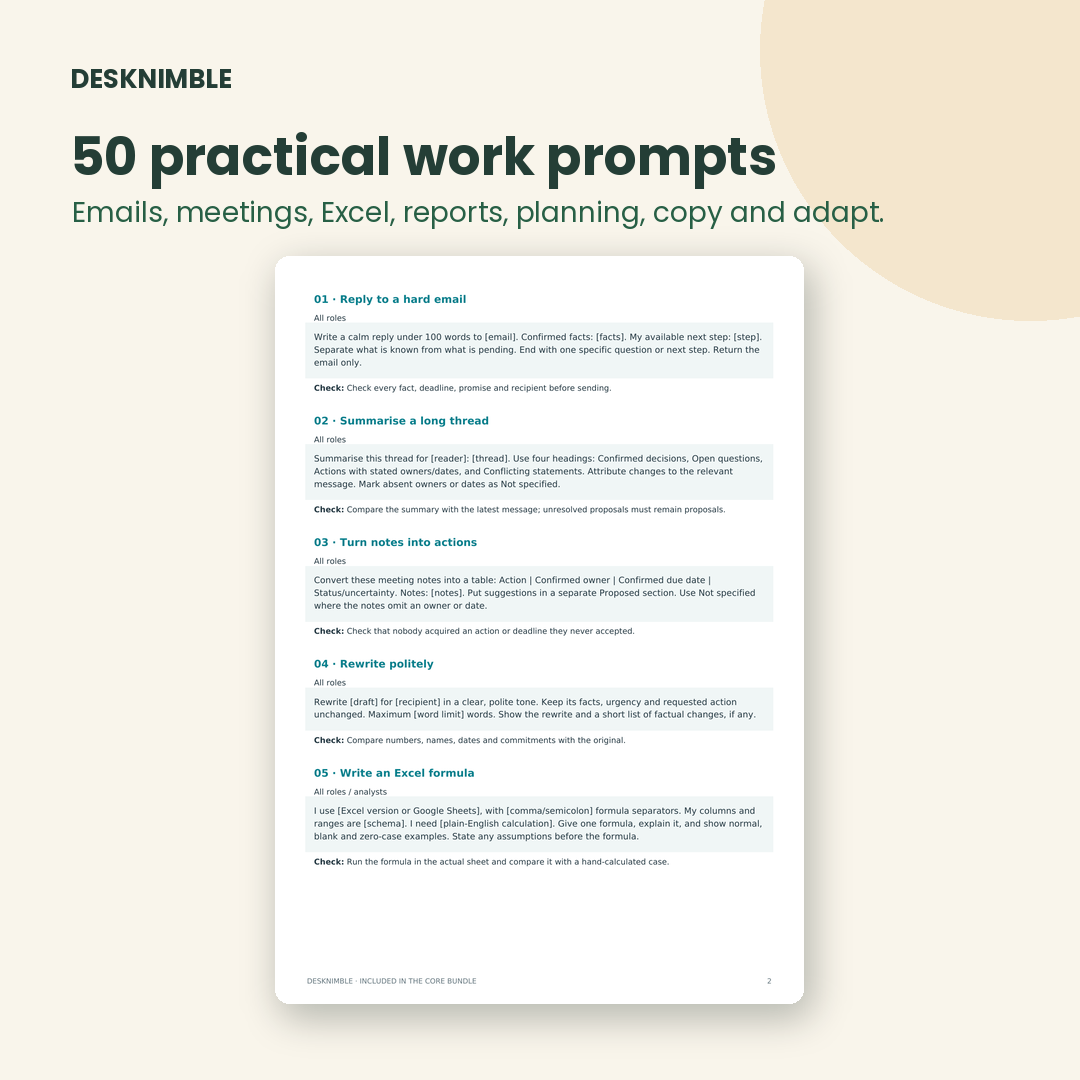
- 50 work prompts + CLEAR prompt cheat sheet
- Excel workbooks + phone-friendly tracker
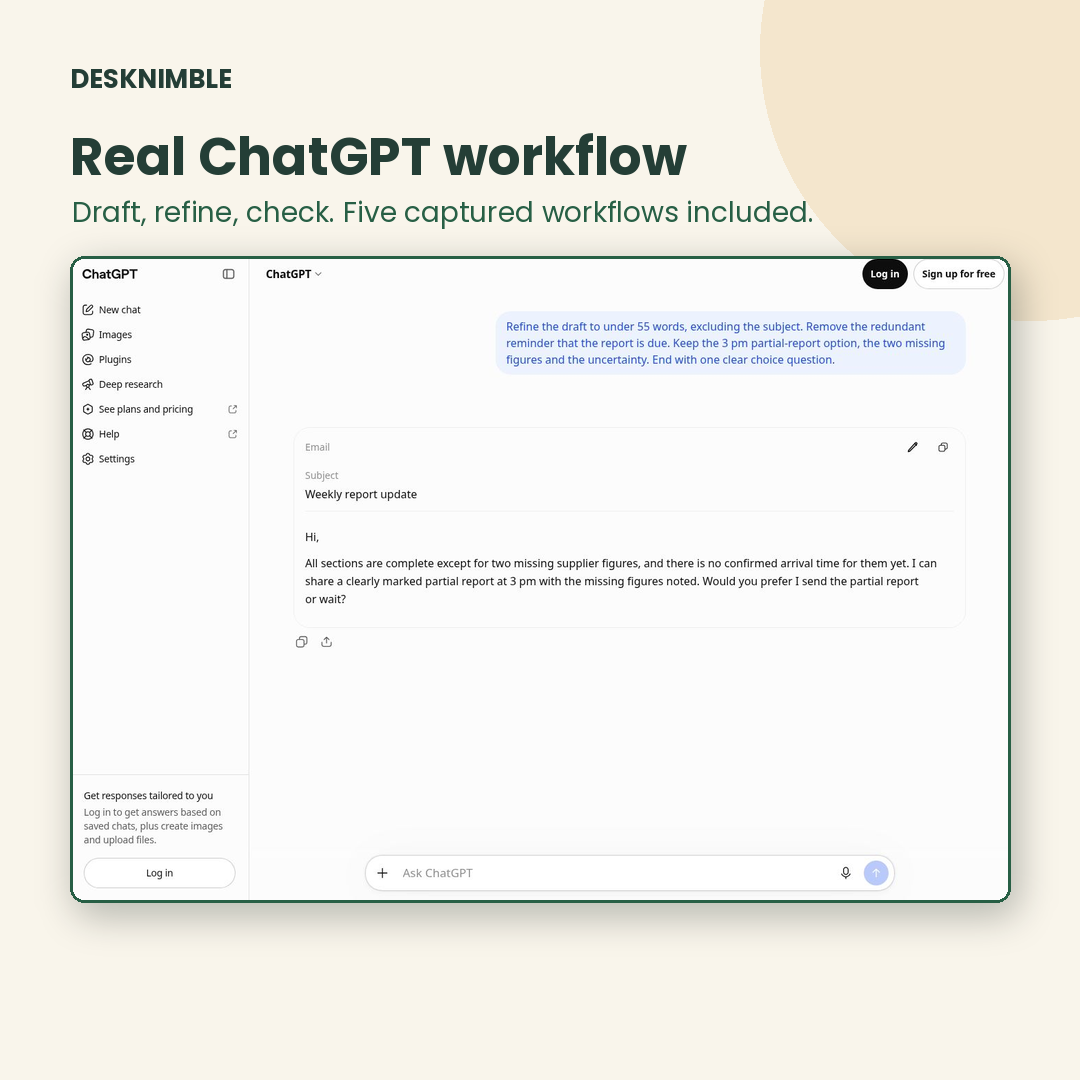
- 5 captured workflows + 6 walkthrough videos
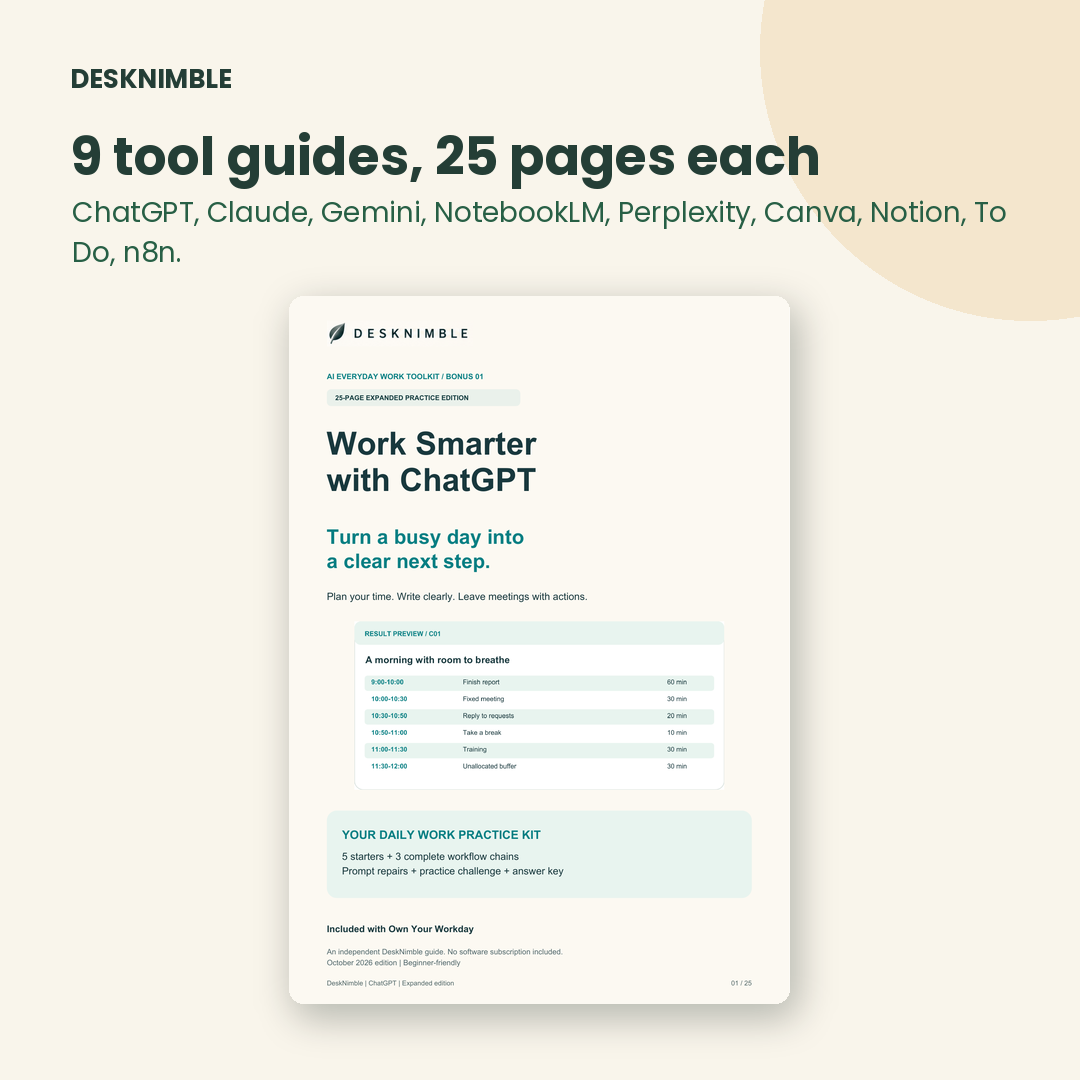
- 9 AI tool guides
Instant download · Access anytime from your account
7-day fix-or-refund if the files don’t match this page
Questions
Is this suitable for beginners?
Yes. Day 1 takes about 10 minutes and uses a ready-made example, so you don’t need any AI experience. Every task comes with a prompt to copy and a simple check.
How do I get the files?
Right after payment your download appears on screen. The link is also in your order email and in My Account → Downloads, so you can come back any time.
Do I need paid AI subscriptions?
No. Free versions of ChatGPT, Gemini, Claude or Copilot work for most tasks. The Tool Access Guide shows free routes for each tool.
How much time do I need each day?
10–20 minutes. Go at your own pace; the tracker remembers where you are.
Can I use this if my company restricts AI tools?
Yes. The methods work with whichever AI tool your workplace approves, and all practice examples use fictional data. Always follow your company’s data policy.
Is the 132-prompt library included?
No. It’s an optional ₹99 add-on. The ₹297 toolkit already includes everything you need for the 30-day plan.
What if it’s not what I expected?
If the files don’t match what this page describes, email desknimble@gmail.com within 7 days and we’ll fix it or refund you. See our Refund Policy.